Splunk Enterprise SIEM
Overview
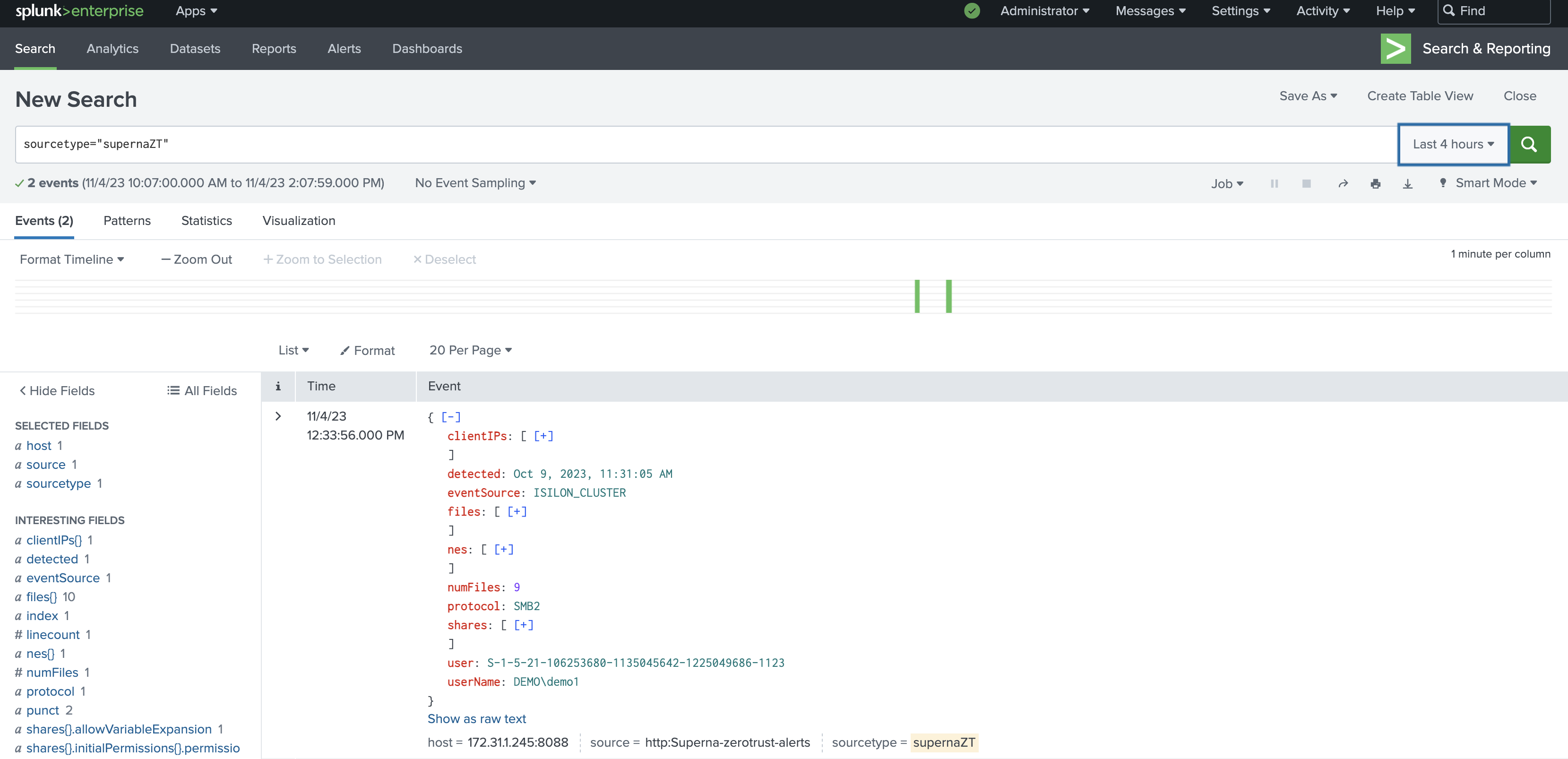
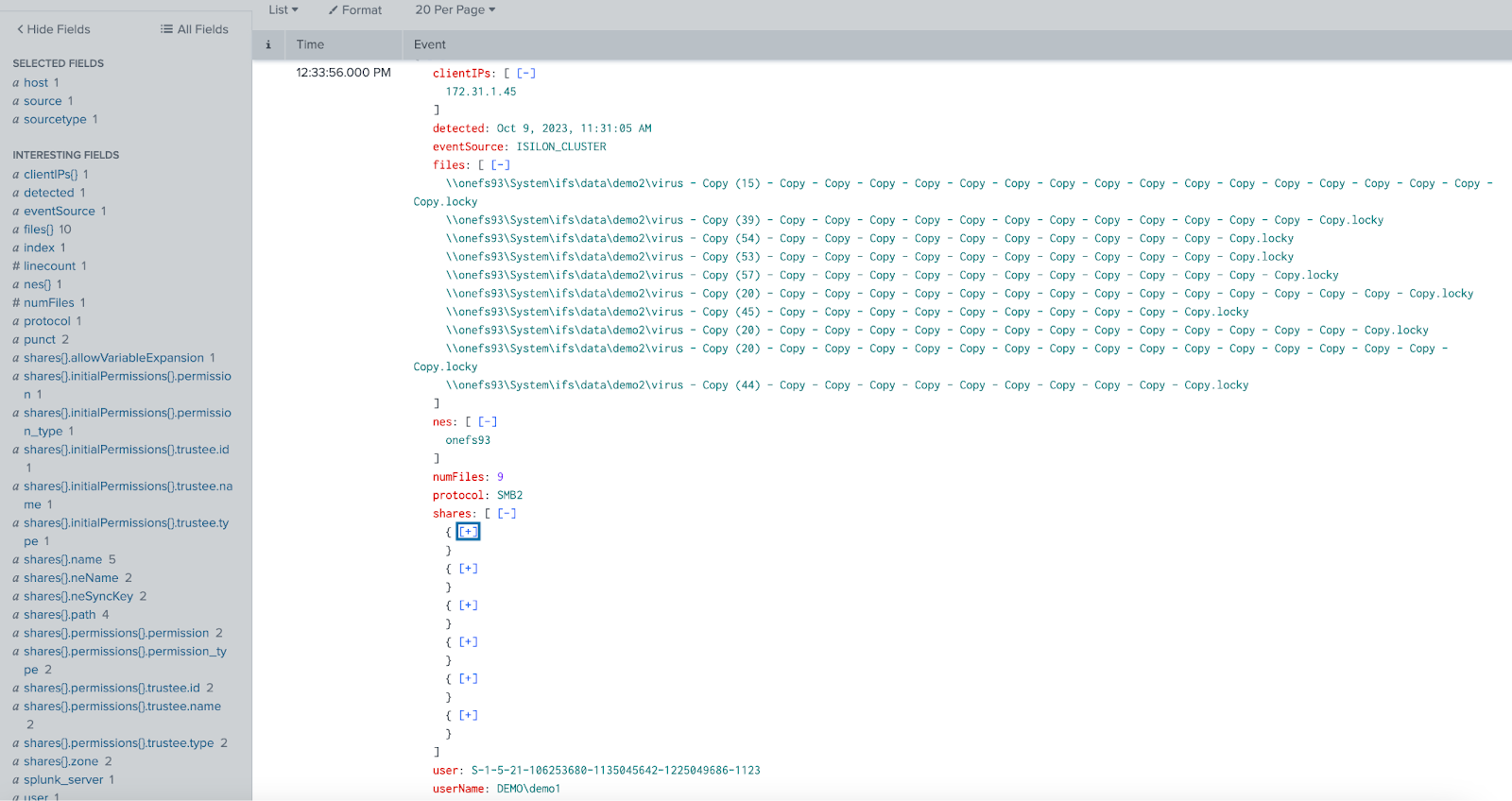
Superna Security Edition + Splunk Enterprise delivers real-time Zero Trust alert forwarding into Splunk via the HTTP Event Collector (HEC). Events are indexed with JSON fields so analysts can search, build dashboards, and trigger detections on storage-layer signals (ransomware, insider threat, mass delete).
We’ll install and validate this integration at no charge so you can see value fast.
Next step: use Book a setup call at the top of this page.
What You Get
- Native Splunk HEC ingestion with token-based auth.
- JSON field parsing (e.g., user, client IP, files, severity) for search and dashboards.
- Sourcetype alignment — recommended default
_jsonfor simple parsing. - Simple architecture — lightweight service on SCA (Eyeglass) posts directly to HEC.
How It Works
- Detect – Superna Data Security Edition identifies a threat event (e.g., ransomware, insider access).
- Translate – A lightweight Python Flask app on the Eyeglass VM maps the webhook payload to Splunk HEC JSON.
- Send – The app POSTs to
https://<splunk>:8088/services/collector/eventwith your HEC token. - Ingest & Parse – Splunk indexes the event, using
_jsonsourcetype to expose fields for search/correlation. - Trigger – (Optional) Create correlation searches/alerts to raise incidents for CRITICAL events.
Architecture / Flow
Components
- Superna Security Edition – Emits Zero Trust webhooks on critical or major events.
- Integration Service – Python app on SCA (Eyeglass) VM formats and posts JSON events to Splunk HEC.
- Splunk Enterprise – Receives via HEC, indexes with
_jsonsourcetype, supports searches/alerts/dashboards.
FAQs
How do we connect to Splunk?
Enable HTTP Event Collector in Splunk (Settings → Data Inputs → HTTP Event Collector), copy the HEC token, and set the URL to https://<splunk-host>:8088/services/collector/event. Set default sourcetype to _json for straightforward field parsing.
What events should we forward?
We recommend forwarding only Critical and Major events and focusing on webhooks tied to lockout or delayed lockout to reduce noise.
How do I test end-to-end?
Start the service on Eyeglass, send a test webhook from Superna (or use a curl template), then in Splunk run a search filtered by the selected sourcetype (e.g., sourcetype="_json") to confirm indexed events.